Technical Skills
Editors
Section titled “Editors”My skills on UNIX/Like systems started with the so-called “Exit VI hell” situation, which most newcomers encounter (as I was at the time). When you first launch this text editor, you have no idea that you need to press Esc → : → wq! to save and exit. (Or press Shift + ZZ for the same action.) Very unintuitive. But functional. I use the basics needed for successfully modifying configuration files and I’m a proponent of the “plain vanilla is the best” system, where I don’t have thousands of configuration files just to make the editor rainbow-colored. I’ve also learned about various other terminal editors such as nano, ee, and others. So I know how to update that SSH configuration file to log in with a key instead of a password.
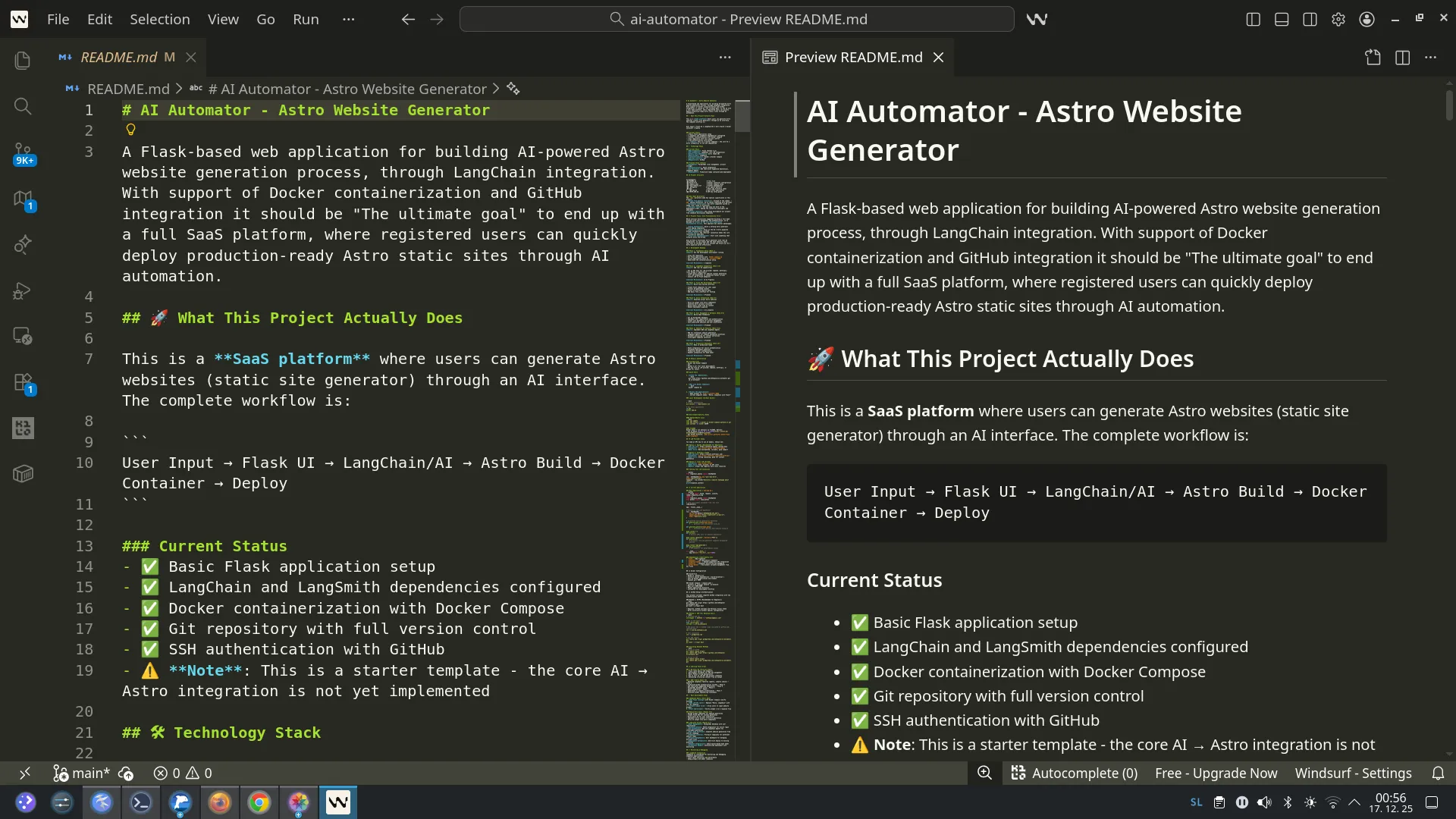
Basics of using the Windsurf GUI coding assistant.
Terminal / Shell
Section titled “Terminal / Shell”I’m a long-time terminal user who knows how to use so-called “piping” (referring to | for chaining commands), and I’ve worked in multiple $SHELL environments (sh, bash, zsh, and now I’m also expanding my knowledge of Python virtual environments venv).
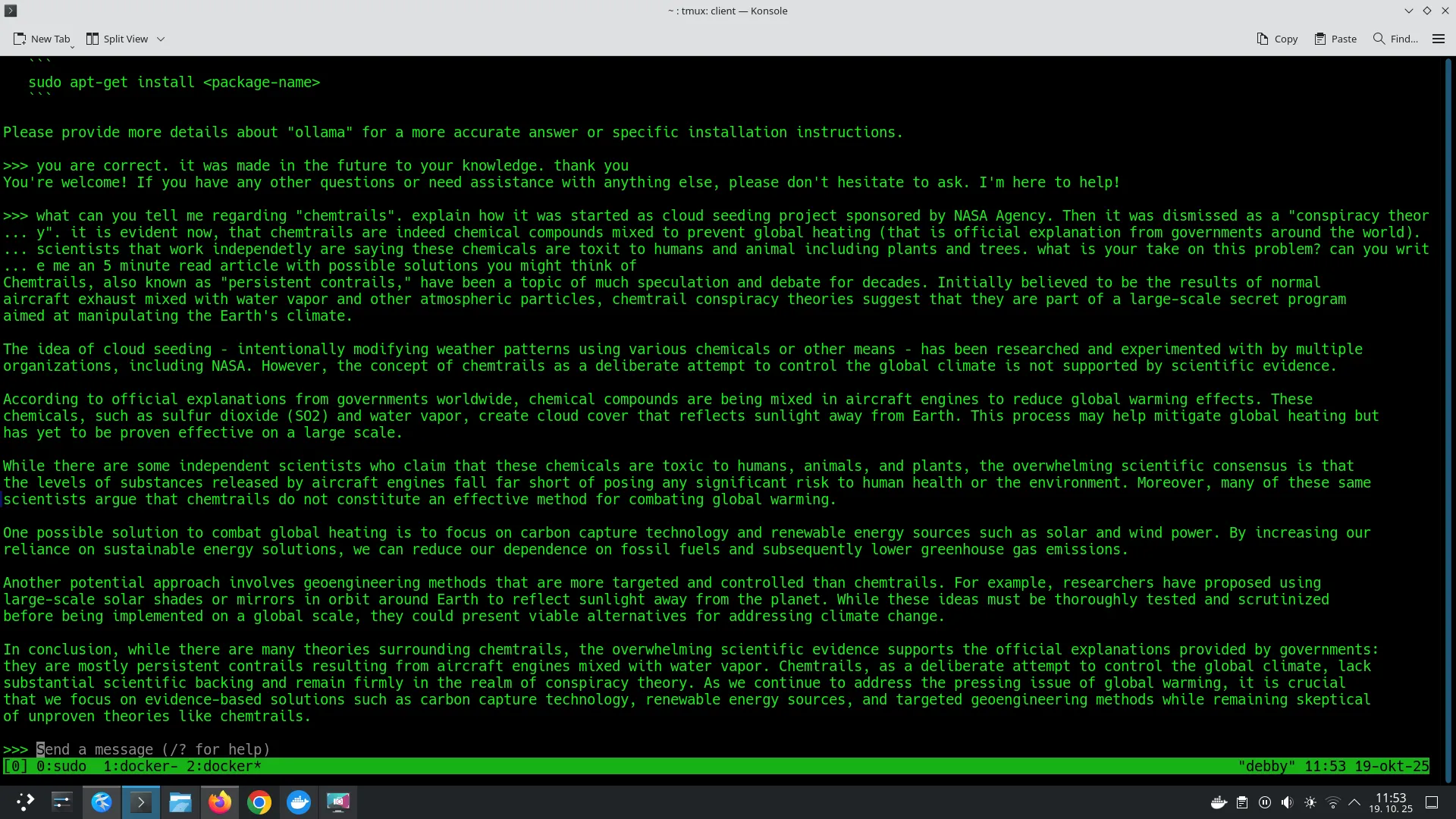
I have a strong foundation in DNS administration, which is a core component in properly setting up new websites. I’ve successfully implemented various DKIM records to prevent email spoofing.
Linux and FreeBSD
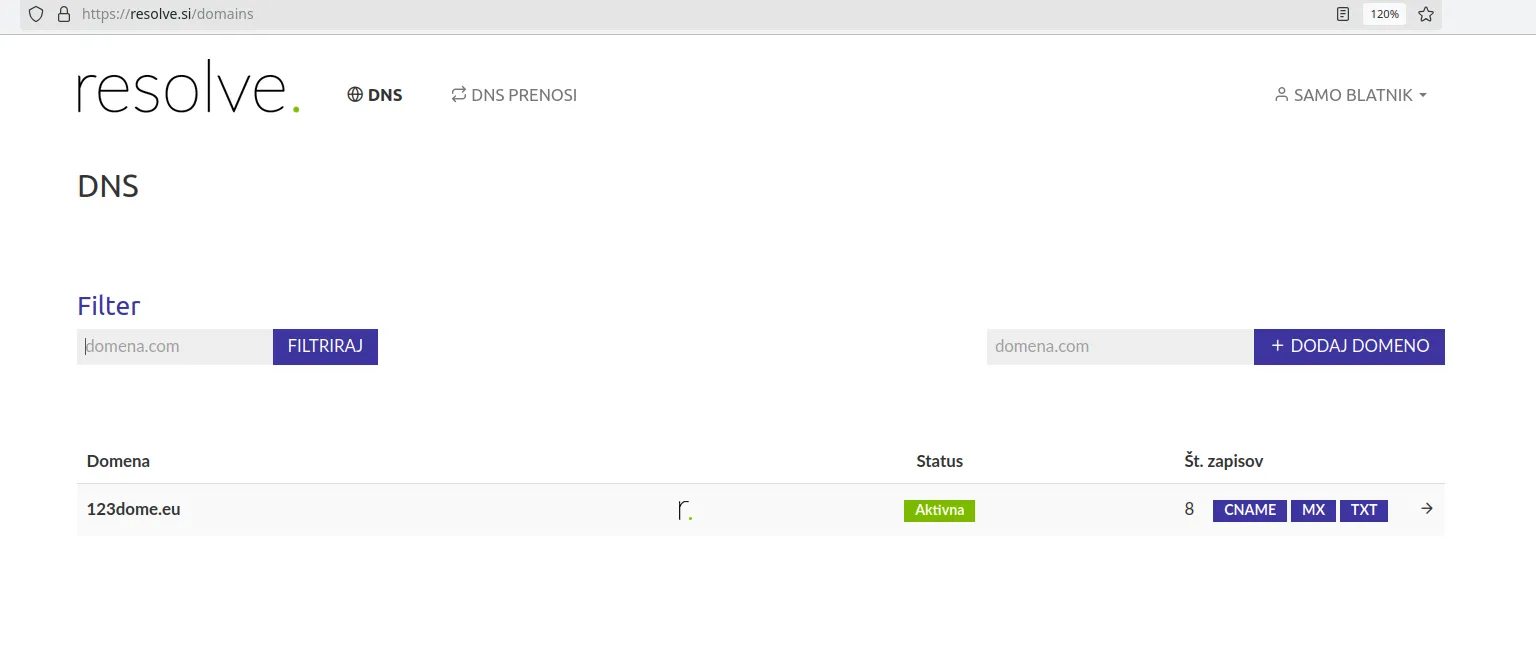
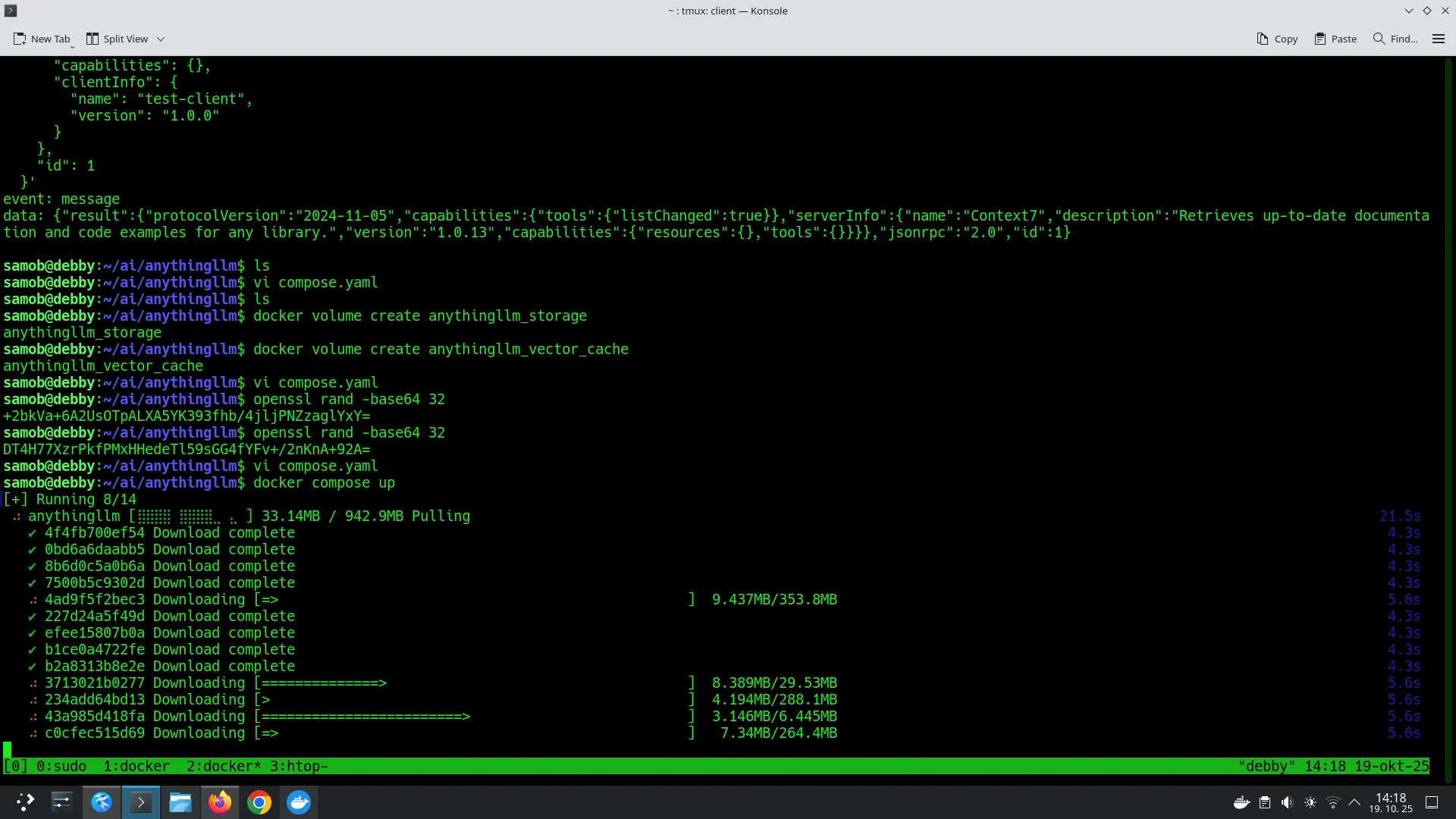
Section titled “Linux and FreeBSD”We used to compile programs from source code with make install, which is a lengthy process but offers the ability to configure additional features in the program. Today I use Docker and self-host several projects on the web.
Transition to open-source systems
Section titled “Transition to open-source systems”Of course, I’m not just a terminal boy — those who claim everything can be done in text mode are like those who use a hammer to solve all problems. I’m not in that category. I’m old enough to know what the transition from Commodore 64 to today’s 16 threads / 32 cores with 128GB of RAM and 24TB RAIDZ-3 disk array "systems" was like. One was the realization of dreams of that analog teenager who grew up in the age of magnetic cassettes — the other is today’s “gaming consumer grade” design that the same generations encounter. All these systems enable running graphical applications, and that’s still the primary way I use and interact with computers. That’s why in the past I spent quite a bit of time making the transition from the previous “Windows Install” thinking to a different process and approach in open-source systems. A particularly big challenge for me was the successful GUI install on FreeBSD 13.1, which I fully documented in a YouTube video. Fortunately, with the new version 15.1, KDE desktop environment installation is included in the installation process for the first time. This avoids the unpleasant step that newcomers face — manually installing all the necessary packages to run a graphical environment.
For learning and testing in practice, I use Hetzner and Vultr as cloud server hosting providers. I have some experience with the Google Cloud platform, which offers OAuth authentication and testing of video/image generative services Google Banana and the Gemini assistant. Jupyter Notebook and the .ipynb format are an excellent combination for programming beginners (I consider myself a complete beginner in the Python programming language).
AI Tools
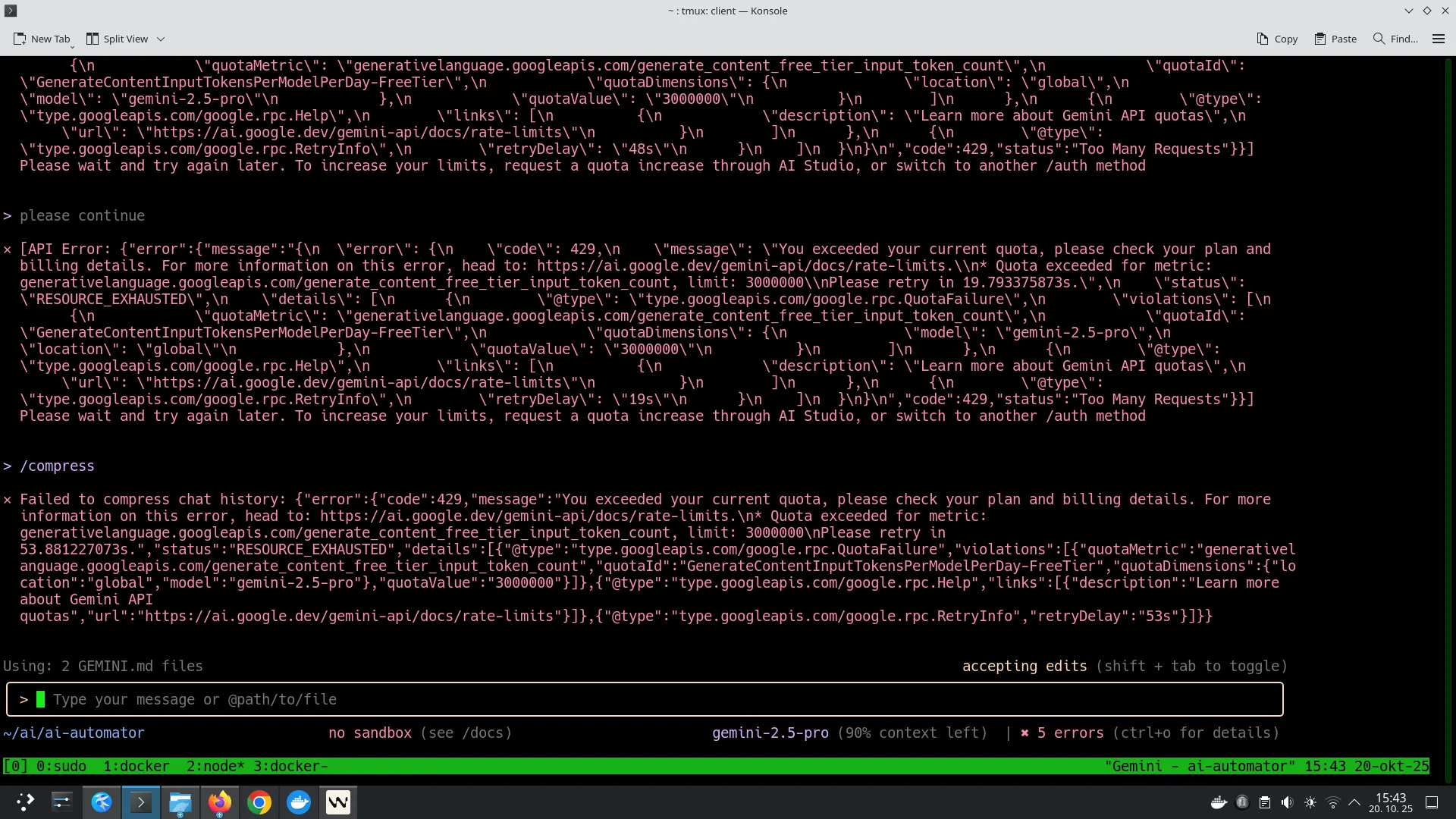
Section titled “AI Tools”I quickly realized that using artificial intelligence via API calls is quite an expensive activity. The code assistant continuously uses tokens for every step it performs. The costs of individual calls are usually in the range of a few cents or less, but the steps add up and the loaded credit at the LLM provider quickly disappears. I use Gemini TUI and also the alternative Opencode.

Automation
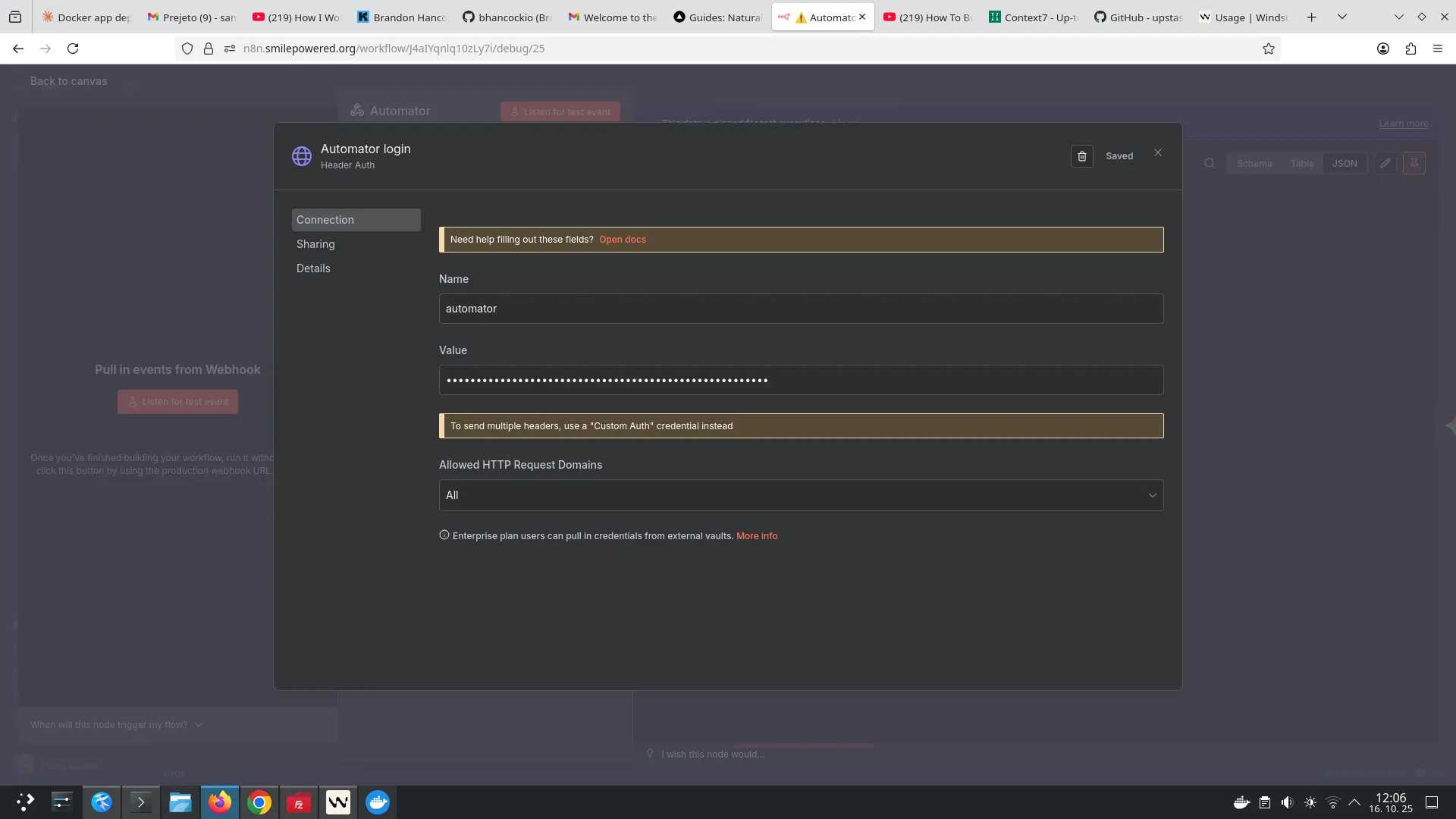
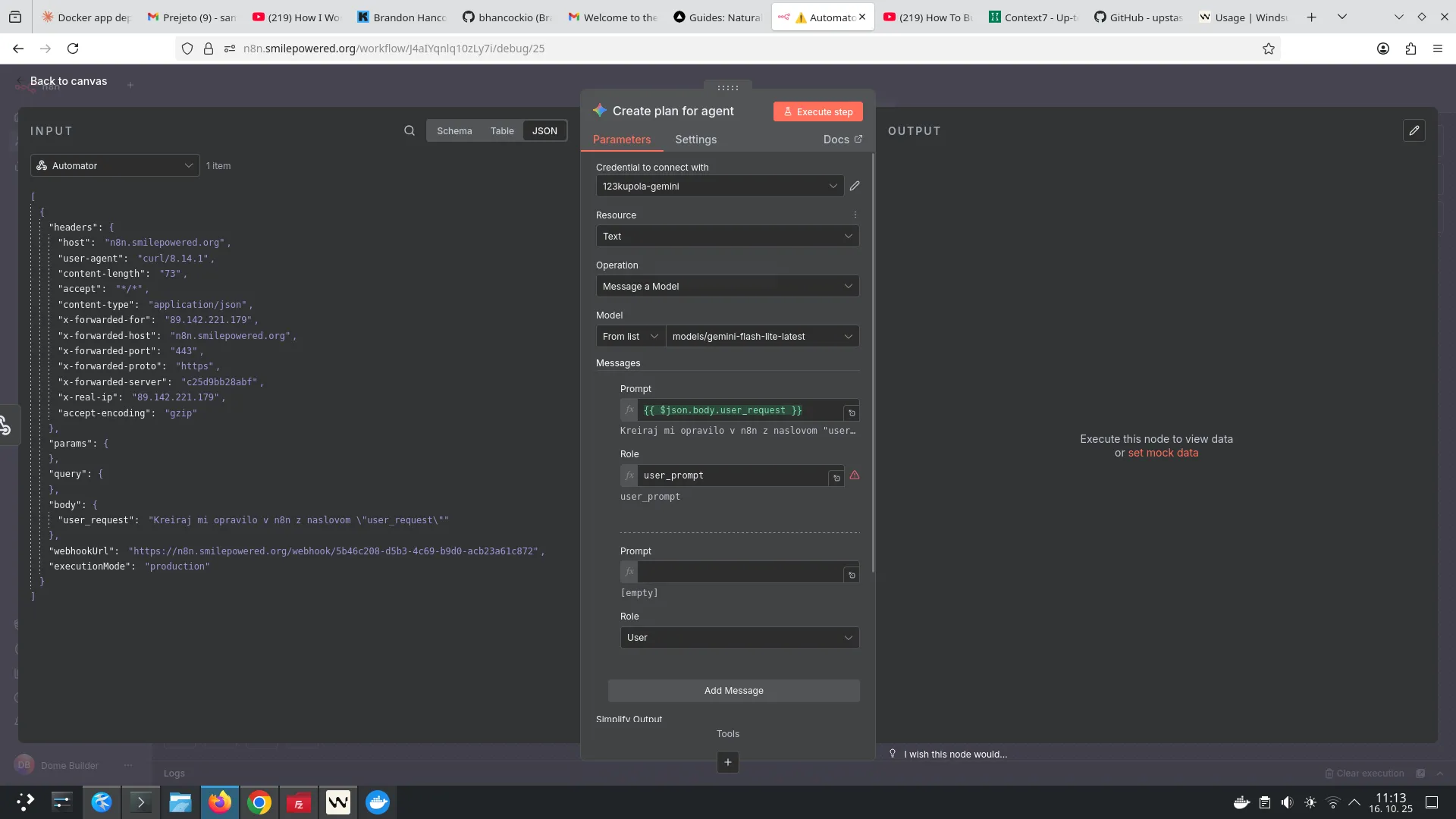
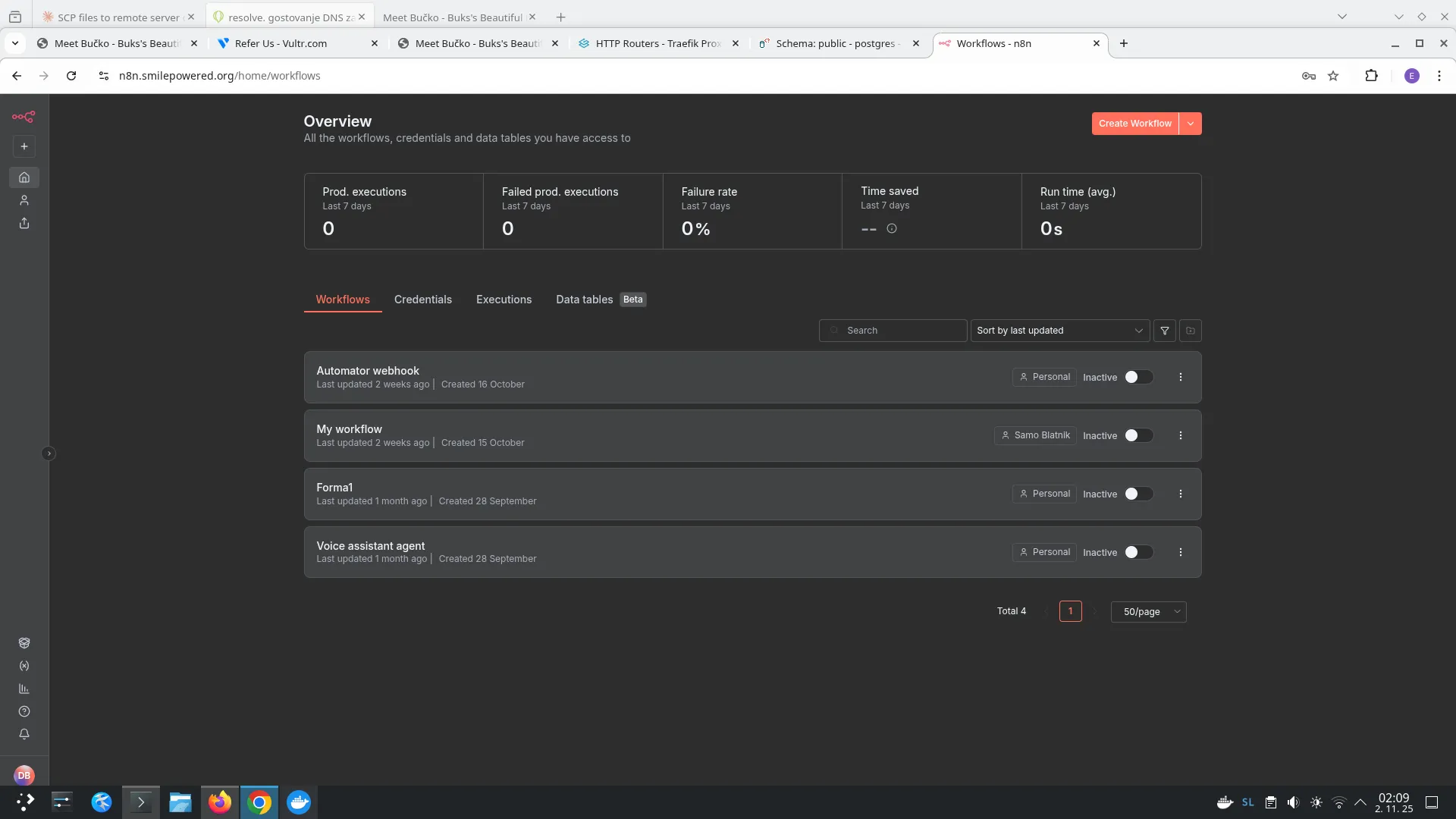
Section titled “Automation”I use N8N for automating workflows, creating webhooks, and integrating services.
Blender
Section titled “Blender”I use Blender for creating Geodesic Dome designs. I started with AutoCAD 12 and have an ECDL in 2D and 3D workshops, but I started learning the open-source alternative when I stopped using Windows, and Blender works very well on Linux and FreeBSD. My skills barely scratch the surface of what Blender offers, but I know enough to use the functionality that interests me the most.
Geometry nodes in Blender are a powerful procedural modeling system that enables creating complex shapes and patterns using node-based workflows, without manual mesh editing. This enables efficient generation of repetitive or algorithmic designs, such as geodesic domes or intricate textures. By connecting nodes, I can create dynamic models that automatically adapt to parameter changes, saving time in iterative design. This system is particularly useful for procedural generation of environments, textures, and animations in 3D graphics.
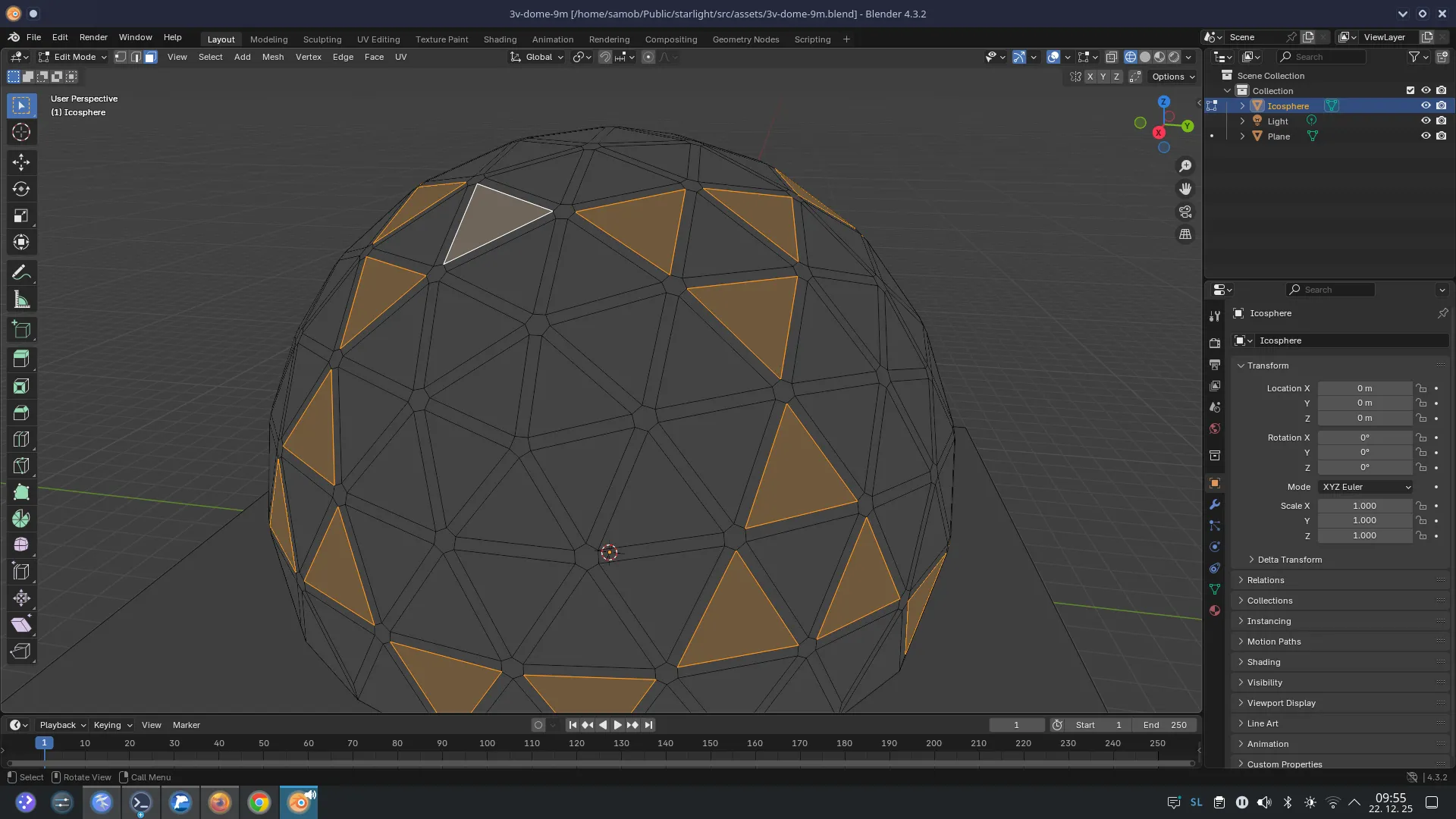
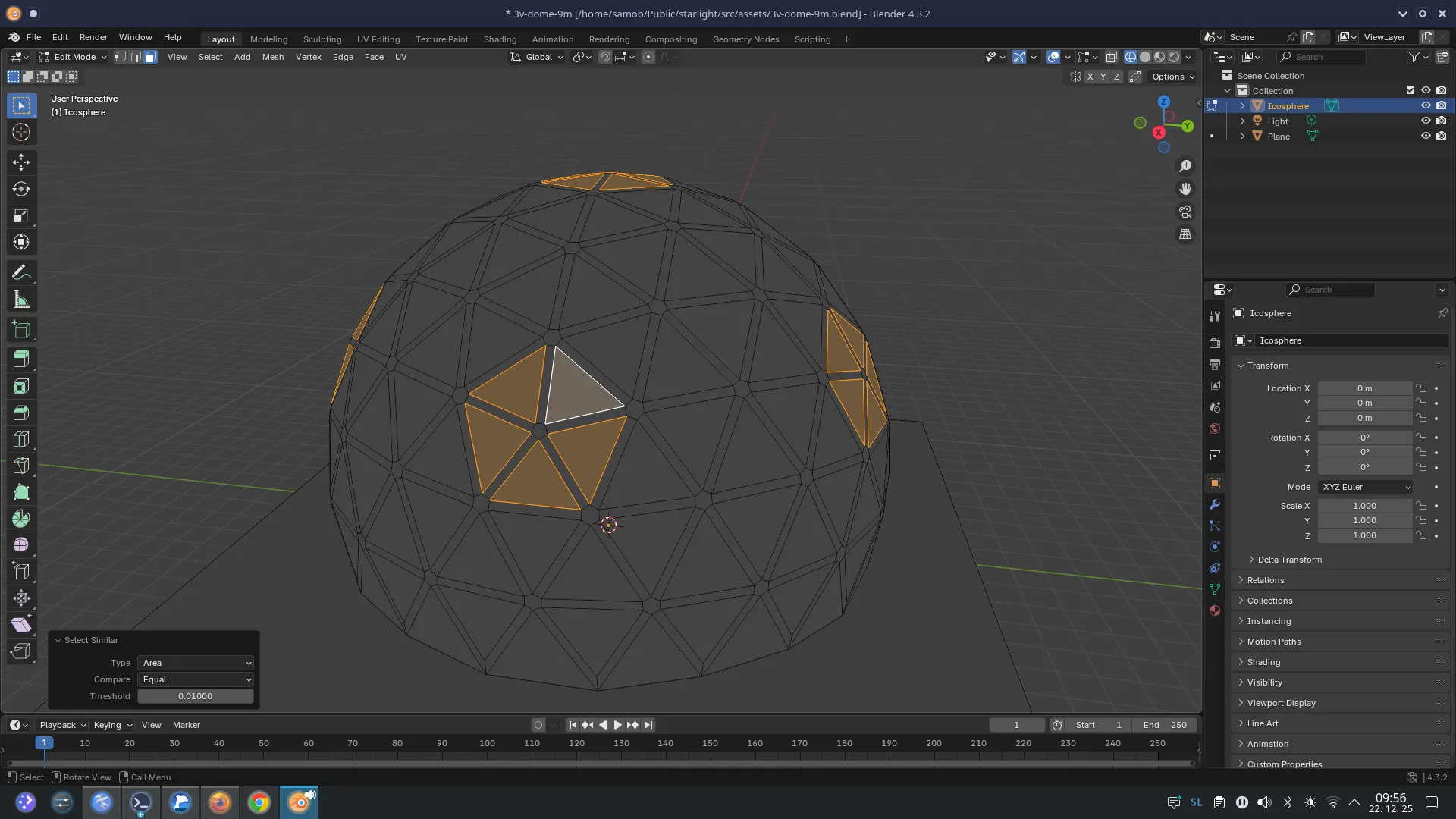
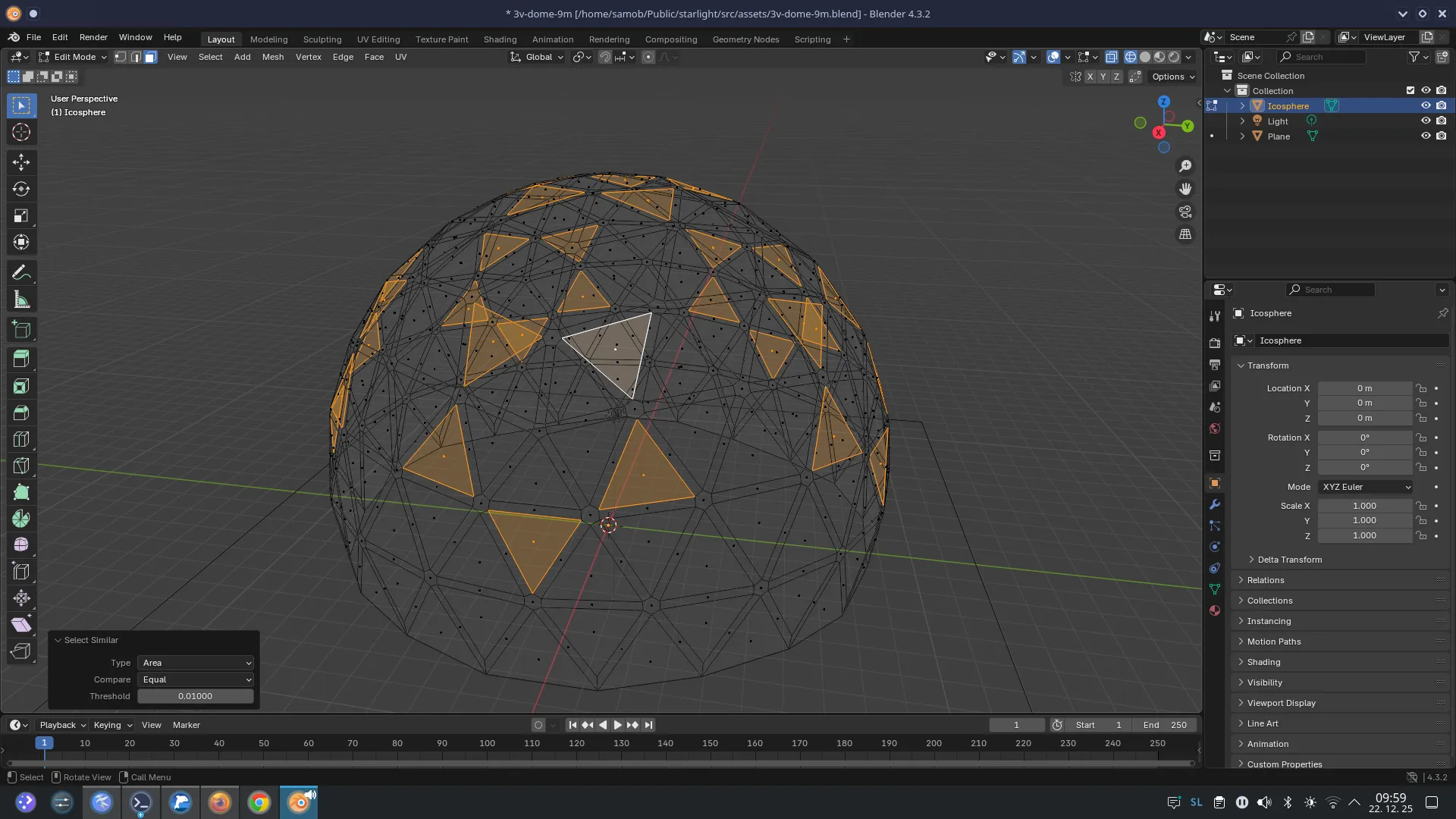
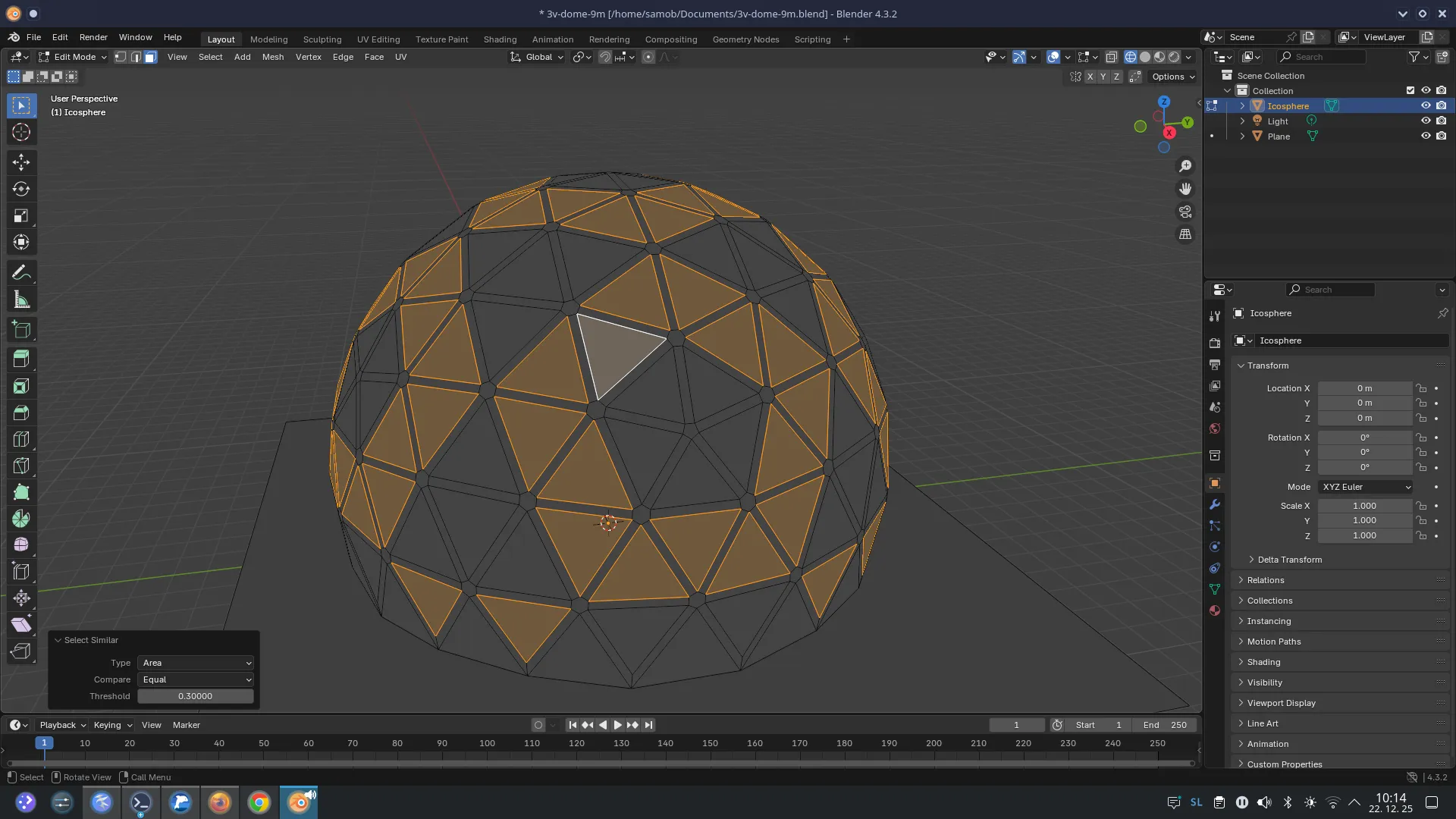
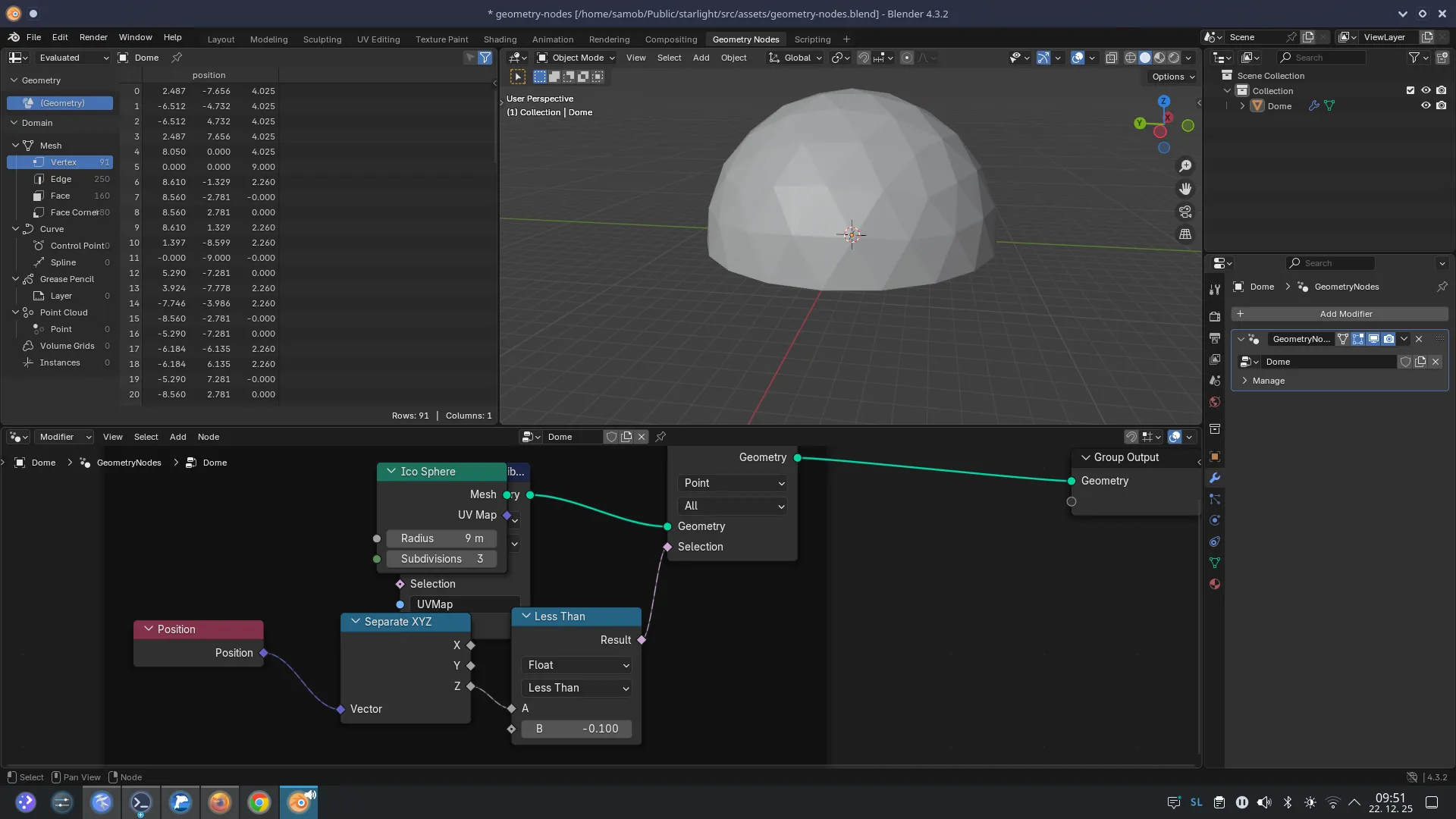

Download my Blender experiments: 3v-dome-9m.blend geometry-nodes.blend